 Branchora
Contact support
Branchora
Contact support
OFFICIAL SUPPORT
Clear ideas.
Private by design.
Help with Branchora mind maps, iCloud sync, exports, and purchases—without an account or an app server.
START HERE
What can we help with?
BRANCHORA BASICS
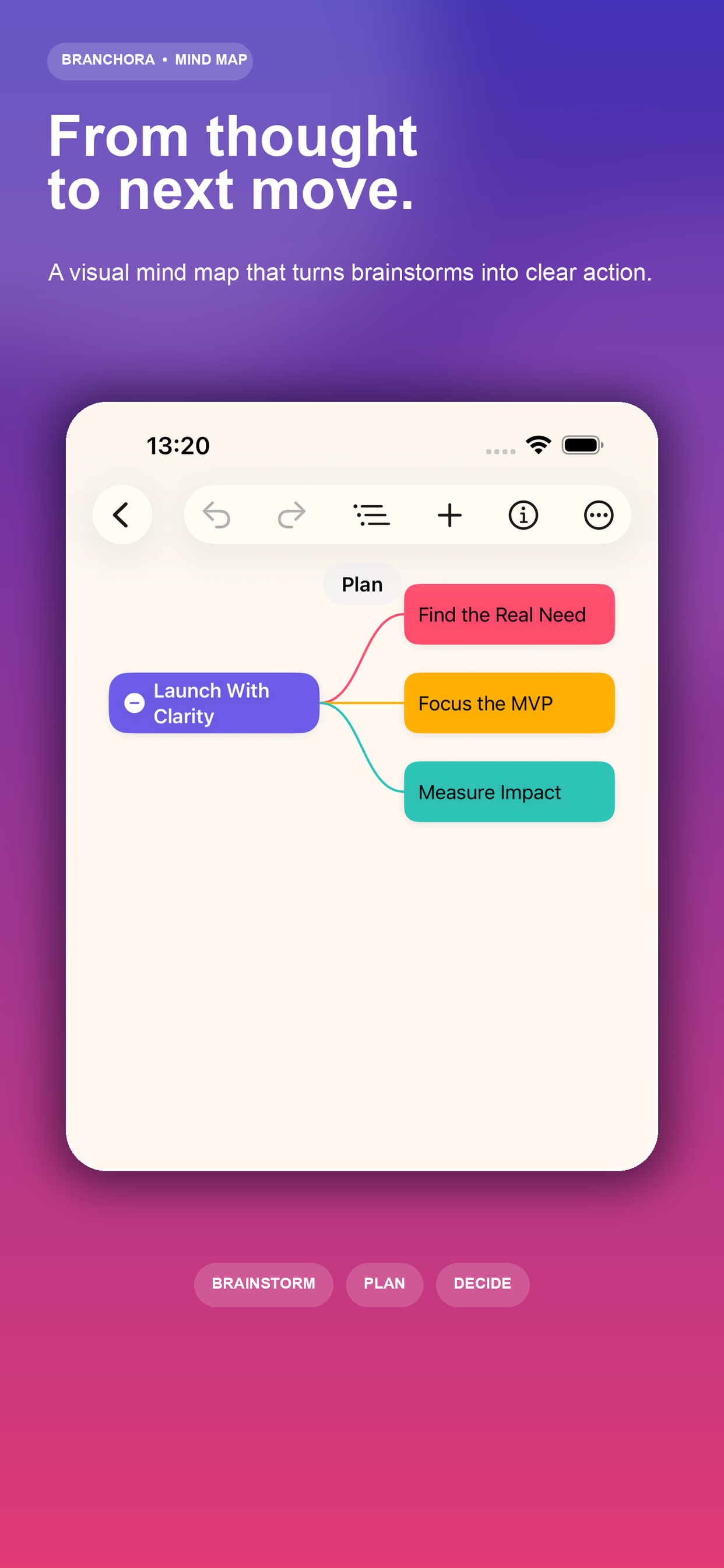
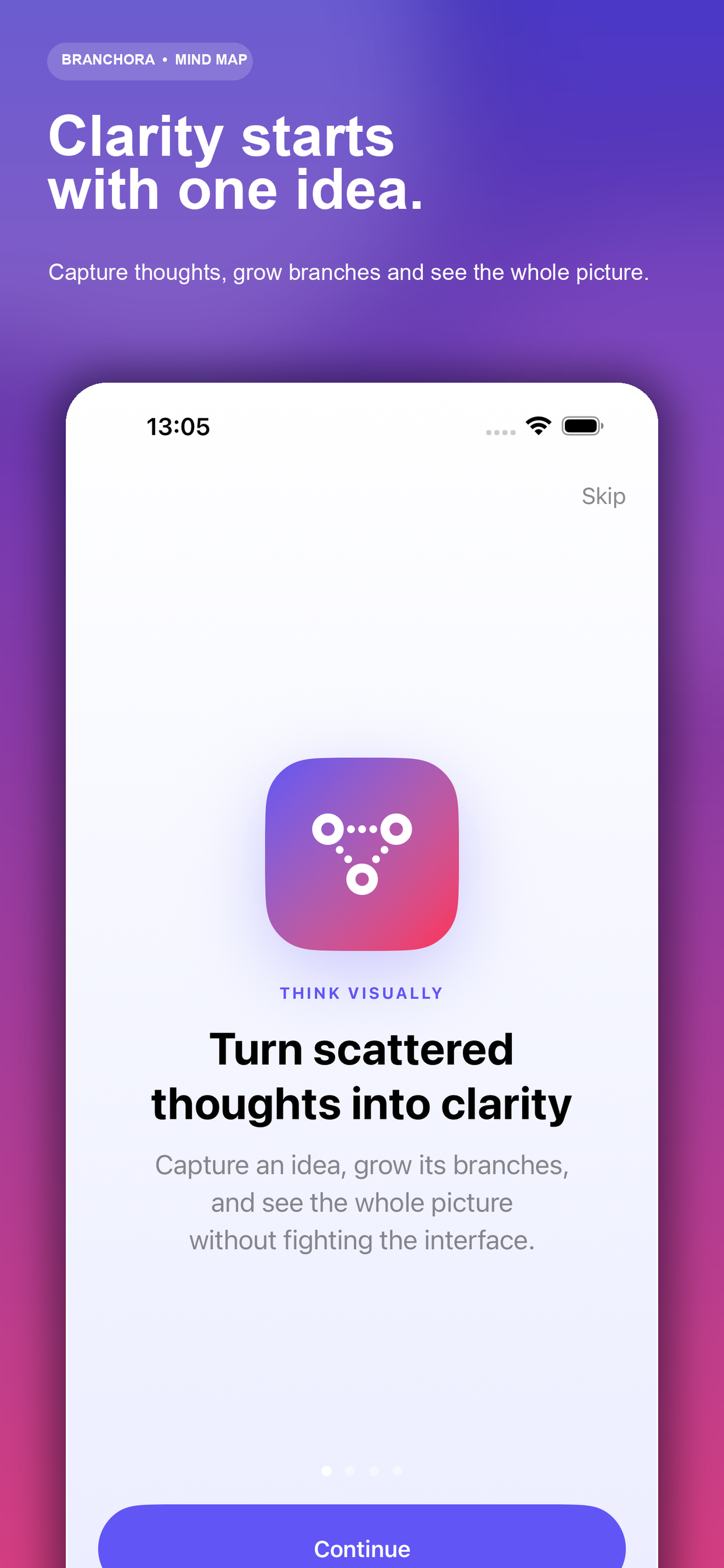
From one thought to a map you can act on.
CreateStart with a central idea and add branches.
ShapeTap to select, double-tap to edit, drag to arrange.
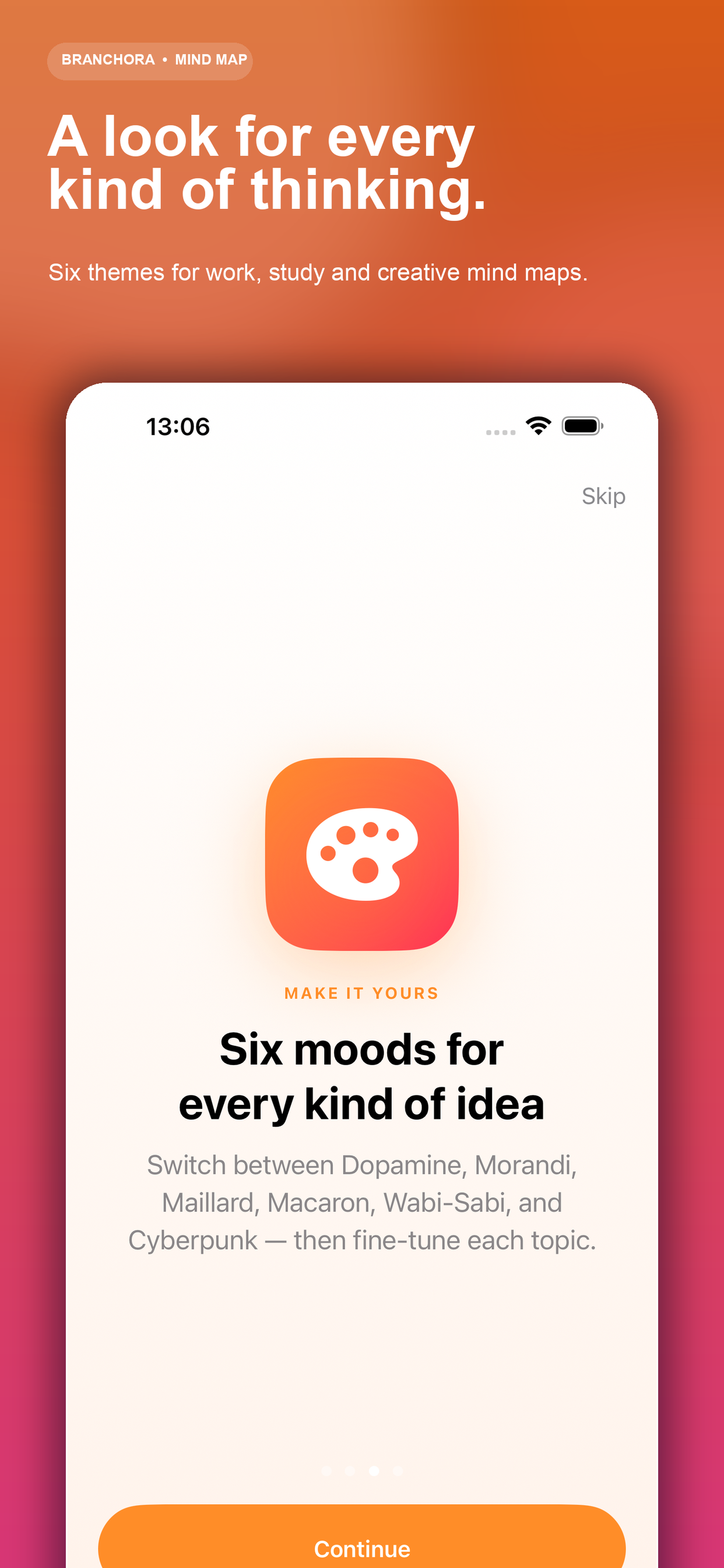
ShareChoose a theme, preview, and export your map.
ANSWERS
Quick fixes and guidance
Tap a question to see the answer.
01How do I turn on iCloud sync?
On every device, sign in to the same Apple Account, turn on iCloud Drive, and allow Branchora in Settings › Apple Account › iCloud › See All. Open Branchora while connected to the internet and give the first sync a moment to finish.
02Why are some maps missing on another device?
Check that both devices use the same Apple Account and that Branchora has iCloud access. Keep the app open briefly on a stable network. Before deleting the app or signing out of iCloud, export important maps as a backup.
03How do I restore Pro?
Open Branchora Pro from the app, then tap Restore Purchases. Use the same Apple Account that made the original purchase. Restoring does not charge you again.
04How do I cancel a trial or subscription?
Open iPhone or iPad Settings › Apple Account › Subscriptions › Branchora, then choose Cancel Subscription. Apple manages billing, cancellations, and refunds for App Store purchases.
05Can I export and share a mind map?
Yes. Open a map, use Share, then choose the available export format. For the cleanest result, arrange the map before exporting and check the preview before sharing.
06Does Branchora require an account or app server?
No Branchora account is required. Maps are stored on your device and can sync through your private iCloud account when enabled. Branchora does not operate a server for your map content.
APPLE BILLING
Subscriptions are managed by Apple.
For billing changes or refund requests, use Apple’s official tools.
STILL NEED HELP?
Tell us what happened.
Include your device model, iOS version, Branchora version, and the steps that led to the issue. Please do not send private map content unless it is necessary.
chenai520@gmail.com Typical response time: 2–3 business days